
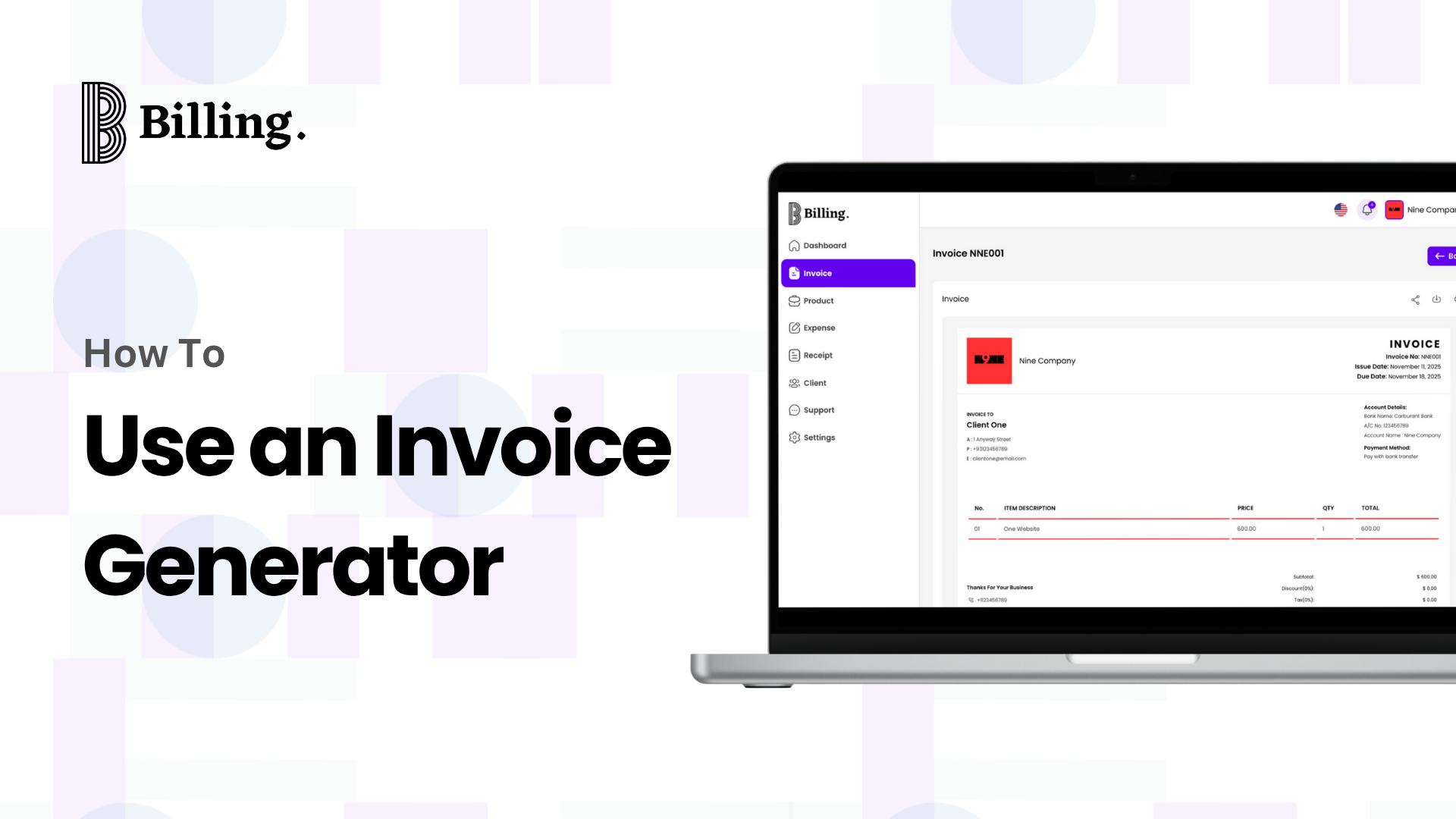
An invoice generator lets you create professional invoices quickly and easily. Instead of manually drafting an invoice on a spreadsheet or word processor, you will be able to use the invoice generator to automate the calculations, professionally format the documents, and keep records organized. Using one really helps freelancers and small businesses get paid faster and avoid billing mistakes.
With an invoice generator, you can add all the necessary details, including client information, services or products provided, quantities, prices, taxes, and payment terms. This will make your invoices professional-looking, easy to understand, and, most importantly, very accurate.
Why Using an Invoice Generator Matters for Freelancers and Small Businesses
As a freelancer or small business owner, you will want to be as organized and professional as possible. Using an invoice generator ensures your invoices are consistent, accurate, and easy to send.
Here’s why an invoice generator is so important:
- Saves Time: It is quite laborious to generate invoices manually. All those calculations and formatting can be automated by an invoice generator, so you can attend to your core work.
- Improves Professionalism: Branded and well-structured invoices are more presentable to clients. A clean, professional invoice reflects well on your business.
- Improves Cash Flow: Timely sending of invoices and following up on payments ensures timely collection, thereby improving cash flow.
- Reduces Errors: Automation minimizes mistakes in totals, taxes, and client details that can delay payment.
- Simplifies record-keeping: Invoice generators store all your invoices in one place for easy tracking of payments and preparation for accounting or taxes.
More importantly, for small business owners and freelancers, using a good invoice generator isn’t just a convenience-it’s a time-saver, mistake-preventer, and trust-builder with clients.
What an Invoice Generator Is and How It Works
An invoice generator is an online or software-based tool that helps you create professional invoices fast without requiring advanced accounting skills. Instead of designing an invoice from scratch in Word or Excel, an invoice generator provides ready-made templates that automatically calculate totals, taxes, and due dates.
How It Works
Using an invoice generator is straightforward. Here’s how most systems function:
- Add Your Information: You start by adding your business or freelancer name, logo, and contact information.
- Add Client Information: Fill in your client’s information: name, company, and billing address.
- List the Services or Products: Fill in what you’re charging for, including item description, quantity, and price.
- Automatically Calculated: The subtotals, taxes, and the total are automatically calculated for accuracy in this invoice generator.
- Set payment terms: You can include payment due dates, the preferred methods of payment, and late-fee policies.
- Send or Download: You can send the invoice directly to the client via email or download it as a PDF for your records.
A good invoice generator doesn’t just save time but also ensures the accuracy and consistency of every invoice you send out. Whether billing locally or internationally, the use of one standard tool for invoicing will make you look more organized and reliable.
Key Features to Look for in a Simple Invoice Generator
The right invoice generator can make invoicing faster, smarter, and a lot less stressful. Whether you are a freelancer, consultant, or small business owner, you will want a tool that goes beyond basic templates. A good invoice creation tool should be able to combine functionality, customization, and ease of use.
The following are key features to look for:
- User-friendly interface: The tool should be intuitive and easy to navigate, even if you’ve never created an invoice before.
- Customizable Templates: For a more professional invoice, seek out the platforms that allow you to add your logo, color scheme, and business details.
- Automatic Calculations: Your invoice generator should automatically calculate totals, taxes, and discounts, reducing the risk of manual errors.
- Cloud Storage and Accessibility: A web-based or mobile-friendly invoice generator would enable you to generate invoices online and access them from anywhere, at any time.
- Payment Integration: Advanced tools are integrated with a payment gateway like PayPal or Stripe to help clients pay faster.
- Multi-Currency Support: If you deal with clients abroad, find a generator that supports multiple currencies, along with automatic exchange rate conversions.
- Tracking and Reminders: Built-in tracking lets you see which invoices have been paid or are pending, while automated reminders reduce late payments.
- Data Security: As the invoices will also contain sensitive information, make sure the invoicing software provides encryption and secure data storage.
A good, simple invoice generator should make your workflow easy, right from creating and sending invoices to tracking payments and generating reports.
Step-by-Step Guide: How to Create Your First Invoice Using a Generator
It is not necessary to make invoicing a complex process. Using a free invoice generator, one can create, personalize, and email invoices in just a few minutes without any prior knowledge of accounting.
Here’s a simple step-by-step guide on how to create your first invoice:
Step 1: Open your Invoice Generator
First, log in to your preferred invoice generator. Most of the tools are web-based, meaning you can create invoices online directly from your phone or computer.
Step 2: Add Your Business Details
Fill in the name, logo, contact details, and business address. Adding your brand identity to the invoice makes it look professional and allows clients to easily identify your business.
Step 3: Enter Client Information
Include your client’s full name, company name if applicable, email address, and billing address. Be sure to double-check accuracy here, as small errors can delay payment.
Step 4: List Your Products or Services
Itemize every product or service you are providing. Include short descriptions, unit prices, quantity, and total amount. A good invoice creation tool can automatically calculate the subtotal and tax amount for you.
Step 5: Add Invoice Details
Include the date of issuance, due date, and a unique invoice number. This will help in recordkeeping, making it easy for you and the client to track the payment.
Step 6: State Payment Terms
Clearly explain how you expect to be paid, and if possible, when you want the payment. If it’s a bank transfer, card, or PayPal, make this clear, as transparency encourages quicker payment.
Step 7: Review and Send
Double-check all the information, particularly totals and client details, before sending. Once you are certain of everything, you can download your invoice as a PDF or send it directly via email with the invoice generator.
Optional Step: Save for Record-keeping
Most invoicing software for small businesses automatically saves invoices so that you can track paid and pending bills at one glance. Online invoice creation with a basic invoice generator saves time, greatly enhancing professionalism on each transaction with the client.
Video Tutorial on how to create an invoice in Billing+
Best Practices to Get Paid Faster with Invoice Generators
Even with the best invoice generator, getting paid on time depends on how you manage your billing process. A professional invoice alone is not enough; you need a strategy that ensures clients take immediate action upon its receipt.
Here are some tried-and-true practices to help you get paid faster:
- The sooner you send your invoice, the sooner you will get paid: Do not wait for days after the project is complete; instead, generate a simple invoice and send it out when the work is delivered.
- Establish Clear Payment Terms: Be clear about when payments are due and how they should be made. Indicate whether it’s “Net 7,” “Net 15,” or “Due upon receipt” to avoid misunderstandings and delays.
- Display Various Payment Options: Flexibility improves payment speed. Most invoice generators allow you to connect payment gateways such as Stripe, PayPal, or bank transfer options.
- Use Automated Reminders: Most small business invoicing software has a built-in reminder system. Turn those on to send gentle reminders before and after the due date.
- Keep Invoices Error-Free: Mistakes in pricing, taxes, or even client details can lead to disputes and delays. Before hitting “Send,” review every field carefully — or rely on an invoice creation tool that auto-checks totals.
- Add a Friendly Note: Politeness goes a long way. Adding a short thank-you note or message, such as “We appreciate your prompt payment,” will help to keep good relationships with your clients and show professionalism.
- Track Invoice Status: Most invoice generators provide the feature of showing you whether a client has opened the invoice. This helps you follow up confidently if the payment is late.
When used correctly, the invoice generator has evolved to be more than just a billing tool; it’s your silent business partner that helps you stay organized, consistent, and in control of cash flow.
Common Mistakes to Avoid When Using an Invoice Generator
While a good invoice generator simplifies the billing process, a few small mistakes can lead to confusion, delayed payment, or even damage to your client’s relationships. Avoiding them will keep your invoices clear, professional, and effective.
Here are the most common invoicing errors and how to avoid them:
- Forgetting Essential Details: Missing vital information, such as an invoice date, due date, and/or payment terms, can lead to misunderstandings. Always check your invoice before sending it out to ensure that all the fields are filled in correctly.
- Using Generic Descriptions: Listing to “services rendered” or “project completed” doesn’t provide clarity. Use specific descriptions such as “Logo design and brand guidelines” or “Website maintenance – October 2025.” Clear descriptions reduce the possibility of disputes.
- Branding Ignored: Generic invoices can make your business look unprofessional. Most invoice creation tools allow you to upload your logo and brand colors. Branded invoices help clients recognize your business and increase trust.
- Forgetting to Include Payment Methods: Your client shouldn’t have to guess how to pay you. Always include your preferred payment methods, account details, and currency. With a straightforward invoice generator, you can save it once for all future invoices.
- Not Following Up: Many freelancers are reluctant to send clients reminders of overdue invoices. Invoicing software for small businesses that offers automated reminders allows you to be polite yet persistent.
- Omitting bookkeeping: Failure to save invoices makes tracking your income or preparing for tax season more difficult. Opt for an invoice generator that safely stores your invoices in the cloud, from where you can retrieve them easily.
Avoiding these basic, costly mistakes will make the invoicing process easier for both you and your clients and get you paid sooner.
Frequently Asked Questions (FAQ) About Invoice Generators
- Is it possible to issue an invoice from my mobile phone? Yes, most new invoice generators are mobile-friendly, meaning you can even create and send invoices directly from your phone. It makes no difference whether you use iOS or Android; you will be able to log in, input details, and send invoices straight away, even on the go.
- Can I generate an invoice with my logo? Yes, a basic invoice generator lets you upload your business logo, choose brand colors, and add custom fields. Branded invoices make your business look professional and help clients recognize your company instantly.
- Why should I choose Billing+? Billing+ is designed for freelancers, entrepreneurs, and small business owners looking for simplicity and efficiency. One of the great features of this invoice generator is that it allows you to generate invoices in mere minutes, track payments automatically, and send reminders without requiring additional effort. You can save client data and reuse templates for future projects to save time and keep everything organized.
- Is the Billing+ invoice generator free? Yes, it is! Billing+ is a free invoice generator in Nigeria. You can start using it right away with all the essential features, including professional templates, automatic calculations, and instant downloads. If your business needs more advanced tools, premium features are also available.
- Is my data secure with this invoicing service? Yes, it is. Security is paramount. Billing+ encrypts all invoices, payment information, and customer data for secure storage on the cloud. You will never have to worry about losing or leaking sensitive financial details.
- Can I update the invoice later? Yes, you can edit and resend an invoice at any time using the Billing+ invoice generator. Be it for a date of revision, to add a discount, or to correct some details about the client, it’s simple and takes effect immediately.
- Can freelancers use an invoice generator?
Yes, they simplify billing, track payments, and reduce errors. - Is an invoice generated online legally valid?
Yes, as long as it contains the required information like business details, client info, and total amount. - Can I send invoices directly to clients from the generator?
Yes, most online generators allow sending invoices via email or download as a PDF.
To Sum It Up
Learning how to use an invoice generator completely revolutionizes the way that you handle your business finances. It’s not only about creating invoices; it is also about saving time, staying organized, and keeping up professionalism with every client interaction.
Instead of having to juggle spreadsheets or format templates by hand, an invoice generator does the heavy lifting for you: it calculates totals, applies taxes, and sends you polished, branded invoices in minutes that help you get paid faster with fewer errors.
Whether you’re a freelancer just starting or the owner of a growing small business, embracing automation is one of the smartest moves you can make. The right invoicing tool keeps your workflow smooth, your payments on track, and your business looking credible.