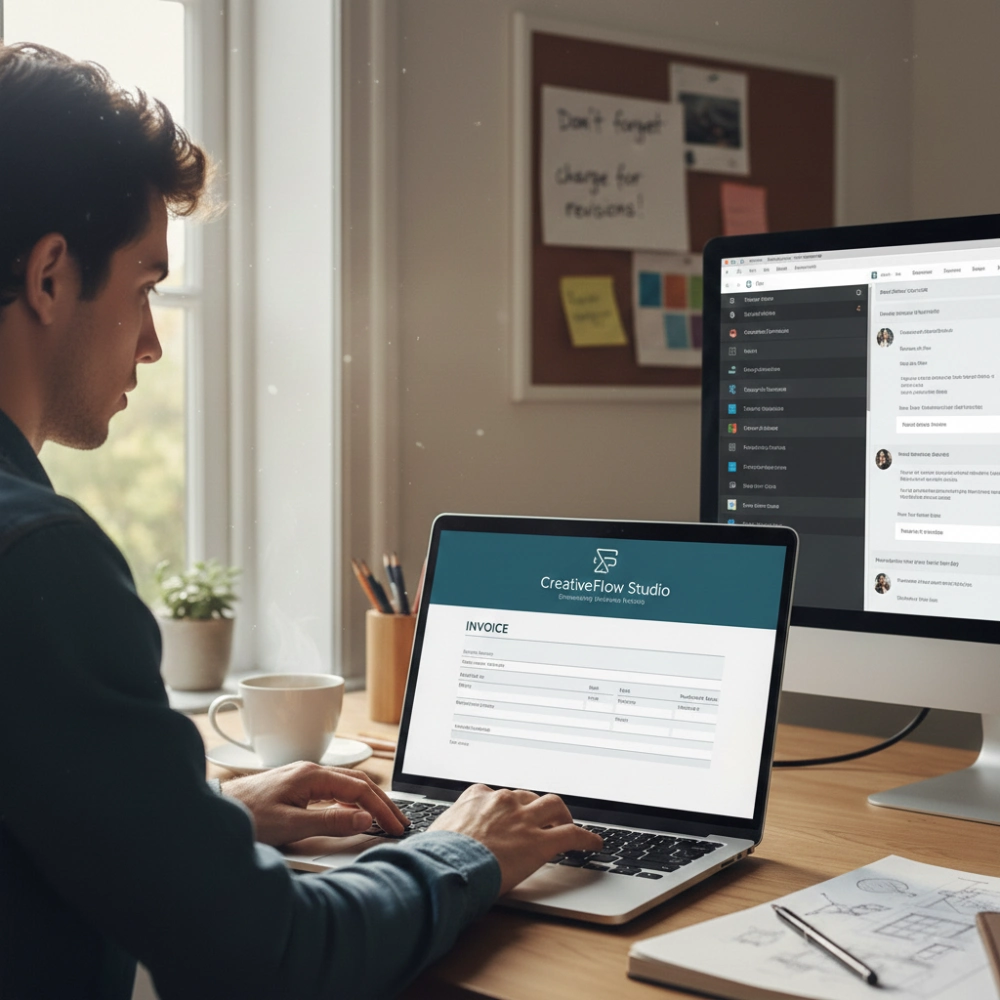

Keeping track of who owes you money should be easy, but for many freelancers and business owners, it turns into chaos.
One missed follow-up, and suddenly a $2,000 invoice is three months overdue. Or worse, you chase a client only to realize they paid weeks ago. Mental tracking might work with one or two clients, but once invoices pile up, it falls apart quickly.
That is why having a clear system to track invoices and payments is essential to running a sane, successful business. In this guide, we will show you how to stay on track with your payments and clients. Keep reading.
Why Tracking Payments Properly Actually Matters
Proper payment tracking is very important for maintaining a healthy business and avoiding costly mistakes. Without a reliable system, you risk:
- Letting unpaid invoices slip through the cracks.
- Not knowing which payments are pending, which in turn makes budgeting and planning difficult.
- Always having to repeatedly ask clients about “missing” payments, which can come off as unprofessional.
- Manually having to search through loads of emails, chats, or spreadsheets for payment confirmations, which slows productivity down.
By tracking payments with accuracy, you gain visibility over your finances, ensure timely follow-ups, and reduce stress, allowing you to focus on delivering value rather than chasing money.
Setting Up Your Payment Tracking System
Having an efficient payment tracking system in place is the first step to being on top of your clients and their outstanding balances. The two steps are identifying what to track and what system to use for your business.
What Information You Actually Need to Track
For proper management of payments, the key areas to focus on when recording are:
- Client information: Name, contact information, and payment preferences.
- Invoice information: Invoice number, date of issue, due date, and other details.
- Payment status: Whether the payment has been made, partially made, or overdue.
- Payment type: Payment through bank transfer, cards, or online payment systems.
- Additional information: Reminders sent or payment dates promised.
Having all this information in one place makes payment tracking easy and less complicated.
Choosing Between Manual and Automated Systems
- Manual systems: Spreadsheets or manual ledgers may be cheap and easy for a handful of clients, but they demand discipline and constant updating.
- Automated systems: Accounting or invoicing software, such as Billing, can automatically track the status of your invoices and record payments. Automating your workflow saves you time and minimizes errors, which is always good for business.
The choice of the best system depends on the number and frequency of your clients and the importance of accurate reporting. Even with a handful of clients, some level of automation can help prevent human errors.
Organizing Clients for Better Payment Management
Proper client organization helps make payment tracking easier and less complicated. Two strategies may be used in this regard.
Making Client Payment Profiles
For easier client management, each client should have a dedicated profile that includes:
- Contact information
- Billing history
- Payment terms
- Current outstanding balances
- Any other relevant notes
This way, you can easily track your client’s status.
Grouping Clients by How They Pay
You may also group your clients according to the way they pay:
- Bank transfer or online payment platform
- Monthly recurring payments or one-time payments
- Early payers or those with longer processing times
This would also be helpful in the management of your clients, leading to reduced delays and increased efficiency.
Best practices for keeping client accounts up-to-date
For proper management of client accounts, it is necessary to ensure the timely payment of bills. To achieve this, the best practices are given below:
- Record Payments Immediately: Immediately record client payments to avoid any confusion in the future. It is also necessary to avoid double follow-ups for the same payment.
- Reconcile Regularly: Compare client invoices, client payments, and bank statements regularly, at least once a week. Regular reconciliation helps avoid any discrepancies in client accounts.
- Set Clear Payment Terms: Clear payment terms are necessary for proper management of client accounts. It is necessary to ensure the timely payment of bills from the client.
- Schedule Follow-Ups: Schedule follow-ups for client payments using reminders for overdue bills. It is also possible to set reminders using accounting software.
- Maintain Notes on Client Behavior: Keep a record of client behavior for proper management of client accounts. It is necessary to understand client behavior to plan follow-ups and manage cash flow efficiently.
Common mistakes to avoid when tracking payments
Some errors can affect the process of payment tracking and cash flow management despite the presence of a system. Some of the most common errors to avoid in the process include the following:
- Forgetting to Update the Records: Failing to record the payments immediately can cause confusion regarding the clients who have made the payments and those who haven’t. Therefore, it is essential to record the payments as soon as they are received.
- Misturar finanças pessoais e empresariais: Mixing personal and business accounting systems can cause confusion in the process. Always keep all client payments in dedicated business accounts.
- Ignoring Overdue Payments: Ignoring the overdue payments can cause cash flow problems. Always implement a consistent process for reminders and escalation.
- Overcomplicating the Payment Tracking System: Using overly complicated systems can cause errors in the process. Use systems thhat balances details and usability.
- Not Reconciling Regularly: Failing to reconcile the records regularly can cause errors in the process.
Creating reports to monitor outstanding invoices
Regular reporting can also enable you to keep track of outstanding bills. A good report should have the following details:
Key Information
- Client name and contact
- Invoice number and issue date
- Amount due and payment status
- Due dates and overdue periods
Use Aging Reports
This report groups outstanding invoices based on the period for which they have been outstanding (e.g., 0-30 days, 31-60 days, etc.). It helps highlight accounts for priority and plans follow-ups effectively.
Automate Report Generation
There are accounting or invoicing software programs that can be used to generate such reports automatically, which reduces manual work and minimizes the chances of error.
Analyze Trends
Look for trends such as which customers have a tendency to pay late, how long it takes to collect from customers, and the total amount outstanding.
By regularly using this report, you will be aware of which payments are pending, which customers need attention, and how cash flow is performing.
How Billing can help
Managing client payments can be a daunting task, especially when dealing with multiple invoices and clients. Billing makes this process easier with a clear system that allows you to monitor all your invoices with ease. Some of the features include:
- Centralized Dashboard: Billing has a single dashboard that allows you to view all your invoices and their status at a single glance.
- Update Invoice Status: Even though it is not possible to track payments directly through the app, it is possible to update the status of the invoice once the client has made a payment. This ensures that your records remain accurate at all times.
- Generate Detailed Reports: Billing allows you to generate reports that contain a comprehensive overview of all your invoices. This ensures that you can monitor your accounts with ease.
Billing is suitable for freelancers and small business owners due to the fact that it provides a simple platform for monitoring client payments.
Frequently Asked Questions About Payment Tracking
1. What are Outstanding Invoices?
Outstanding invoices are those invoices that have been sent out to customers but have yet to be paid by a certain due date. They are a representation of money owed to your business and can disrupt cash flow if not monitored and followed up on.
2. What’s the best way to track payments from multiple clients?
The best way to do this is by utilizing a central system like an invoicing app, which provides you with the ability to see all invoices and their status, along with client information. This way, you can organize your clients by payment method or due dates and easily keep track of all invoices with their status.
3. How can I check if a client has an outstanding invoice?
You can do this by checking your invoice dashboard or client profile in your invoicing software. You can filter invoices that are marked as ‘unpaid’ or ‘pending.’
4. What’s the best way to track recurring client payments?
Develop a separate profile for each of your regular clients and keep a record of all scheduled invoices. This will help you keep a check on all invoices and update their status once you have received payment.
5. Can automated tools reduce errors in payment tracking?
Yes. This is because human errors are reduced to a minimum with automated tools that organize invoices, monitor payment status, and generate reports in a standardized manner. Even without full automation, tools such as a centralized dashboard and templates help minimize errors compared to manual tracking.
6. What should I do when a client consistently pays late?
You should clearly establish payment terms and communicate them early on. This should include any additional charges for delayed payment if applicable. It may be necessary to renegotiate payment terms or make arrangements for partial payments to be made upfront to cover your cash flow.
Considerações finais
Tracking payments made by your clients, their balances, and unpaid invoices is not just about administrative work; it has a direct impact on your cash flow, professionalism, and business stability. Once you get beyond mental tracking and put a proper system in place, you will be clear on who has paid and who hasn’t, and what you should do next.
Regardless of whether you are using a spreadsheet or an invoicing tool to track the status of invoices and produce reports, it is the consistency of the tracking process that will help you avoid cash flow problems and embarrassing phone calls.